Activator for Windows and Office
Activates:
- Windows (up to and including Windows 10 all editions);
- Windows Server (up to and including Windows Server 2016 all editions);
- Microsoft Office (up to and including Office 2016 all editions);
- Windows 7, 8, 8.1, 10;
- Windows Server 2012, 2016 Datacenter Edition;
- Office 2010, 2013, 2016 Pro(fessional);
Download
Click here to download the activator (activator.zip).
Unpack with your favorite archive manager (windows/winrar/etc).
Installation
Run the kmspico.exe file extracted from the zip archive.
When Windows promts a UAC window asking for admin permissions click Yes.
Install the activator by clicking:
Next -> I accept the agreement -> Next -> Next -> Next.
It's highly likely that Windows Defender interferes with the installation.
The installer can show errors like:
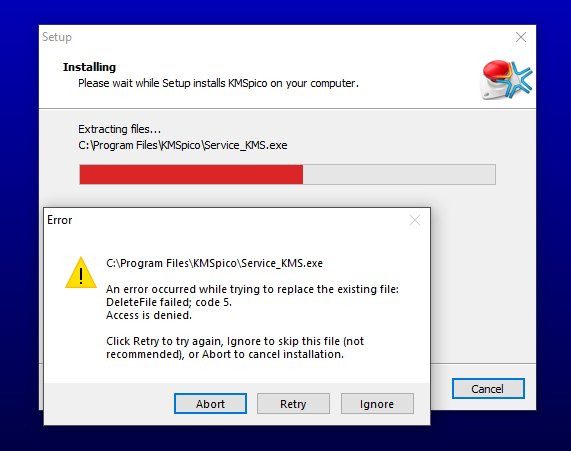
If the installation fails, solve the Defender removing the file problem by allowing the files.
Most likely images like the one below will be shown:
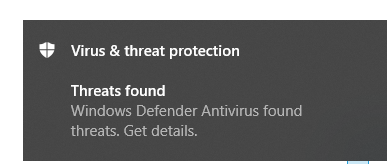
In that case, click on the Defender prompt and allow kmspico on your device:
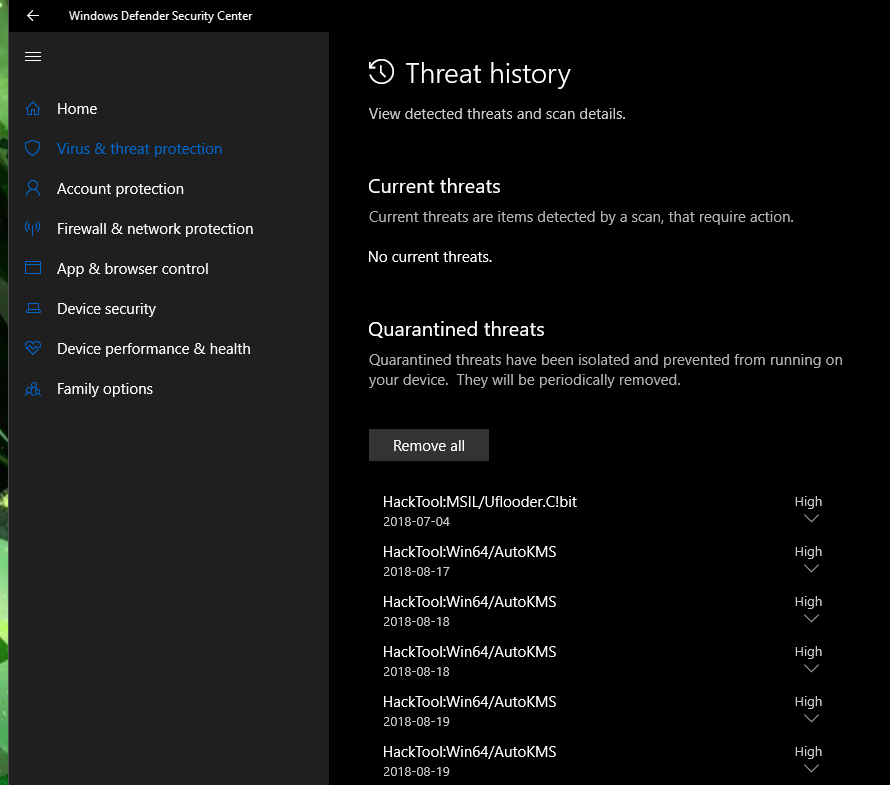
It may be needed to re-run the kmspico.exe file.
Activation
After KMSpico is installed, it should be run once to activate the products.
This can be done by typing "kmspico" in the start menu and opening "KMSpico" as shown in the image below.
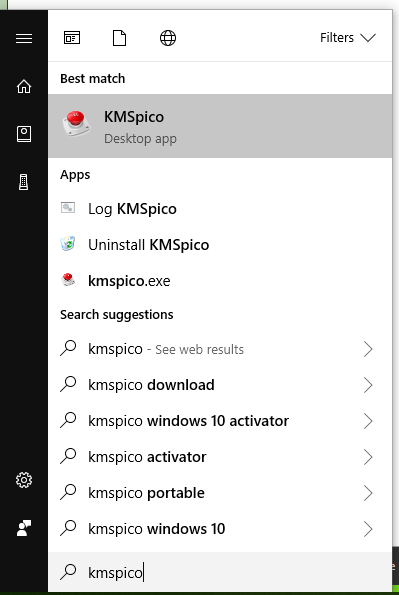 If KMSpico doesn't show up, either the installation failed and should be retried,
or the start menu shortcut failed to create or isn't shown (yet).
Check the (default installation) path: 'C:\Program Files\KMSpico' and verify 'KMSELDI.exe' is in that directory.
If it is, your installation is correct and simply execute that file, otherwise retry the Installation part.
When KMSpico is launched the following window is shown:
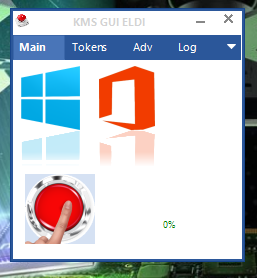 By pressing the big red button, the activator starts activating the products shown above the button.
After activation the products will be shown in green, meaning they are activated, and the activator will automatically exit.
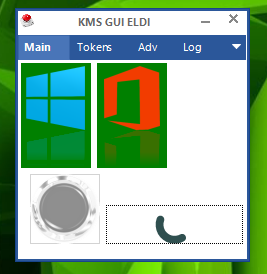
Profit!
Now your Windows/Office products are all activated without having to spending a single penny (or euro)!
Unless of course you want to, then the button below can be used to support me for creating this website/tutorial :P
